






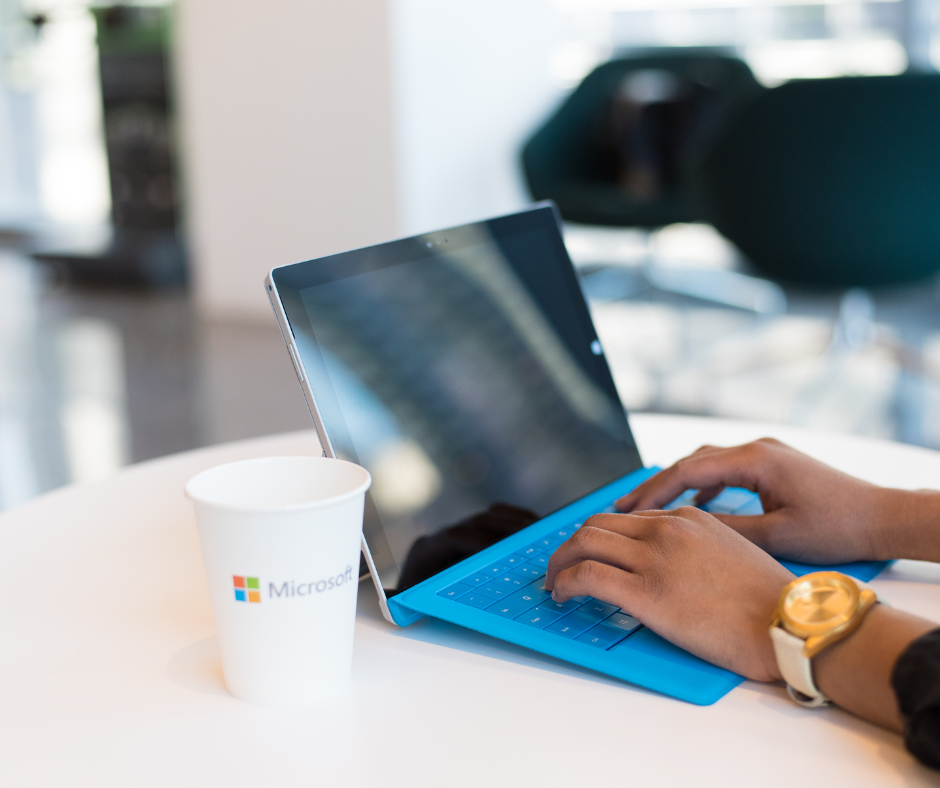

With Windows 10 support officially ending in October 2025, it’s decision time for businesses and individuals still running on the operating system. Continuing to use Windows 10 beyond that date means losing critical security updates and leaving your systems more vulnerable to cyber threats.
Windows 11 isn’t just a visual refresh. It delivers stronger security, faster performance, and deeper integration with Microsoft 365 for seamless collaboration.
That leaves one important question: Should you upgrade your existing devices to Windows 11 or is it time to replace them altogether?
Here’s a guide to help you make the right choice based on your needs, budget and goals:
Step 1: Check Compatibility
Before deciding, determine if your current hardware meets Windows 11’s requirements. Microsoft has set strict system requirements to ensure the new operating system runs smoothly and securely. Key requirements include:
- A compatible 64-bit processor (1 GHz or faster with 2 or more cores)
- 4 GB of RAM (8 GB or more is recommended for optimal performance)
- 64 GB of storage
- TPM version 2.0 (Trusted Platform Module)
How To Check:
Outcome:
If your system fails the compatibility test, you’ll need to upgrade your hardware or consider a replacement.
Step 2: Evaluate the Age of Your Devices
How old is your current hardware? Devices older than 4 years are often slower and less efficient and may not support Windows 11’s requirements.
Reasons To Replace Older Devices:
- They’re likely nearing the end of their life cycle.
- Upgrading components (like RAM or storage) may not deliver significant performance improvements.
- They pose greater security risks due to outdated firmware and hardware vulnerabilities.
Step 3: Assess Your Performance Needs
Does your current hardware meet your day-to-day needs? Consider:
- Speed: Are your devices slowing you down during critical tasks?
- Reliability: Do you experience frequent crashes or malfunctions?
- Scalability: Will your current hardware handle future software updates and workloads?
When To Upgrade:
If your devices are still performing well, upgrading to Windows 11 may be the most cost-effective solution.
When To Replace:
If performance issues are impacting productivity, replacing your hardware can save you money in the long run by avoiding downtime and inefficiencies.
Step 4: Weigh the Costs
Budget is always a factor when deciding whether to upgrade or replace.
Upgrading Existing Devices:
- Costs less up-front (if compatible).
- May require additional expenses for component upgrades (e.g., adding more RAM).
Replacing Devices:
- Higher up-front cost but better long-term value.
- Includes newer hardware designed for Windows 11’s features and security.
Step 5: Consider Future-Proofing
Newer devices come equipped with the latest technology, offering:
- Enhanced security features like hardware-based encryption.
- Faster processing speeds and greater energy efficiency.
- Improved compatibility with modern applications and peripherals.
Investing in replacement devices now can position your business for growth and innovation, ensuring your systems remain efficient for years to come.
Pro Tip: Involve an IT Professional
Still unsure? Partnering with an IT provider, like DP Solutions, can simplify the decision-making process. They can:
- Assess your current setup.
- Recommend whether to upgrade or replace based on your specific needs.
- Handle the transition to minimize downtime and disruption.
Make the Move to Windows 11
Deciding whether to upgrade or replace your devices doesn’t have to be overwhelming. Your IT Provider or IT Team can evaluate your systems and give personalized recommendations for a smooth transition to Windows 11.
Don’t wait until the October 2025 deadline! Get ahead of the game and ensure your business is ready for what’s next.
Ready to Take the Next Step?
Contact Us Today
Source link